Specialty Practices:

Install A Care-Layer And Turn Unpaid Between-Visit Work Into
5-6 Figures In Annual Revenue

Without hiring extra staff... without buying expensive new software... and without giving away your profits to outside vendors.

One-time payment 90-day guarantee Instant digital access

THE UNPAID WORK

Here's Why Every Practice Needs A Care-Layer

Portal messages are piling up in an endless inbox queue.

Patients send medication questions and symptom updates.

Nurses pull charts to review lab results and route messages to doctors.

Prior authorization requests drag on with insurance companies.

Nurses adjust treatment plans...

...call pharmacies...

...and type follow-up notes into the computer.

Your clinical staff are exhausted.

Your doctors stay late at their desks just to clear their inboxes.

And your practice pays for every single minute of this labor.

Yet when the end of the month arrives...

...Not A Single Dollar From That Work Appears On A Billing Claim.

For decades, practices treated this unpaid work as “the cost of doing business.”

But today, practices can no longer afford to absorb that loss.

Insurance pay rates shrink while staff and supply costs climb...

...CMS has set a goal for all Traditional Medicare beneficiaries to be in accountable care relationships by 2030...

...and private equity continues consolidating the industry.

On top of all that, patient portal messages are growing and a small group of high-need patients accounts for a disproportionate share of healthcare spending.

THE PRESSURE IS GROWING

More Messages. More Concentrated Need.

Patient messages per person 0.99 → 2.50

More than doubled from 2020 to 2025.

The need is concentrated 5% → Nearly 50%

Five percent of people accounted for nearly half of healthcare spending.

More messages. A small group of high-need patients. More between-visit work concentrated inside the same practice.

If you asked your staff right now, they could probably name some of these patients. A handful of people with complex chronic conditions create a large share of between-visit work, and practices aren't getting paid for much of it.

Sources: JAMA, national patient-message trends, 2026; AHRQ, concentration of healthcare expenditures, 2018; CMS Innovation Center, accountable-care goal for 2030.

THE SOLUTION

Here's What It Is

The Care-Layer Launch Kit is an online course with digital workbooks and plug-and-play staff training videos. It helps specialty practices monetize between-visit care they're already giving away for free, without hiring expensive third-party vendors, losing control of patient relationships, or wading through dense Medicare manuals.

This works by installing a repeatable Care-Layer workflow directly inside your existing EHR, starting with Principal Care Management.

The workflow catches, structures, and logs qualifying clinical work so your billing team receives a clean, supported record to review for claim submission.

Instead of letting portal messages pile up, forcing doctors to stay late, and burning through staff hours on unpaid labor...

...you create a path for eligible between-visit care to produce approximately $80 per patient per month, while keeping the workflow, patient relationship, and revenue inside your practice.

The Care-Layer acts as your practice's master operating infrastructure. It standardizes the team's capture workflow in under 30 seconds per event, reduces documentation leaks, and gives you a clean foundation for evaluating other eligible revenue layers later.

Some of those layers can work beside PCM. Others cannot. The opportunity comes from knowing the difference before your team bills a single claim.

Inside the system, you get step-by-step instructions to build, launch, and monetize your Care-Layer in under 30 days.

HOW IT WORKS

Here's How It Works

Old Way: Unbilled Overhead & Middlemen New Way: Practice-Owned Care-Layer
Endless Inbox Queues & Unpaid MessagesStaff and doctors pull charts and answer calls for $0 revenue. Structured Care-Layer WorkflowNurses use four simple steps in under 30 seconds to capture each task.
Scattered Care Vanishes In The EHRHours of between-visit work disappear without tracking or billing. Reviewable PCM Clinical EventsCare plans and time are linked into clean, supported records.
Overwhelmed Staff & Late-Night Desk WorkDoctors stay late clearing queues without capturing a dollar. Smooth Monthly Claim HandoffBilling receives one supported record ready for eligibility and claim review.
Up To 50% Paid To Outside VendorsPatient trust and clinical visibility move into disconnected software. Revenue Kept In-HouseKeep patient trust, EHR visibility, and the program economics inside the practice.
Shrinking Margins & Unbilled OverheadThousands in labor are absorbed as a cost of doing business. Approximately $80 Per Eligible Patient Per MonthStart with PCM, then evaluate only the compatible revenue layers that fit each eligible patient.
Unpaid labor and middleman fees The internal Care-Layer creates the path

Replace unbilled overhead and middlemen with a practice-owned workflow that carries qualifying care from the inbox to month-end billing review.

Compatibility isn't automatic. CMS says PCM and CCM can't be billed by the same practitioner for the same patient in the same month. Other combinations require medical necessity, distinct work and time, complete documentation, and current payer rules. Sources: CMS care-management billing FAQs; CMS remote patient monitoring guidance.

THE CARE-LAYER IN PRACTICE

Here's What Happens When You Install A Care-Layer In Your Practice

A Care-Layer changes everything by placing an internal operating workflow between patient visits and your billing department.

It acts as a permanent operational bridge inside your practice.

Instead of letting care scatter across ten different tabs in your EHR, the Care-Layer catches that work, structures it, and measures it.

When a chronic-care patient calls with a symptom update, your nurse opens the chart and completes four simple steps.

1

Select

Select the activity type.

2

Type

Type a short note.

3

Link

Link the disease care plan.

4

Log

Log the time.

In less than 30 seconds, work that used to vanish becomes a documented clinical event ready for eligibility and billing review.

At the end of the month, your billing team receives one clean, supported record ready for claim submission.

Principal Care Management, or PCM, is the first revenue engine you connect to the Care-Layer foundation.

PCM was created for specialists managing patients with one high-risk chronic condition. It creates a path for eligible between-visit care to generate approximately $80 per patient per month.

Once the Care-Layer is installed, it becomes your practice's master operating infrastructure.

For some eligible patients, a device-supported monitoring service can run beside PCM when both services are medically necessary, every requirement is met, and the same time and effort aren't counted twice.

When an enrolled patient leaves the hospital, a separate post-discharge service may create another revenue opportunity during the transition home, again with its own requirements and no double counting.

But PCM and Chronic Care Management aren't a default stack for the same practitioner, patient, and month. If your practice already bills CCM, the Care-Layer helps your team identify which patients belong on the PCM path instead of treating both programs as interchangeable add-ons.

PCM Is The Anchor. It Isn't The Ceiling.

Once PCM is running, the next opportunity is knowing which compatible services may fit an eligible patient and which combinations are off-limits.

One connected-device scenario inside the course approaches $2,500 in combined annual revenue per eligible patient. A qualifying post-discharge transition may add roughly $220 to $299 when the requirements are met.

The Care-Layer Revenue Multiplier gives you the green-light combinations, the hard-no combinations, the planning math, and the documentation checkpoints without forcing your team to guess.

ONE REPEATABLE PATH

From One Patient Interaction To One Supported Monthly Record

Work already happening
  • ● Portal response
  • ● Medication question
  • ● Results follow-up
  • ● Care-plan change
  • ● Pharmacy coordination
The Care-Layer
  1. Find the patient
  2. Formalize the care
  3. Bill at month end
One patient-month record
  • ✓ Right patient
  • ✓ Care plan linked
  • ✓ Work and time recorded
  • ✓ Ready for billing review
The Care-Layer turns five scattered pieces of work into one monthly record.

The Care-Layer gives every portal response, medication question, result follow-up, care-plan update, and pharmacy conversation a consistent route into one month-end record.

THE OLD CHOICE

Practices Were Stuck With Bad Options... Until Now

When practice owners realize how much money they lose on unbilled care, they usually look for a quick fix.

And that's when third-party vendors show up at your door.

They walk into your office with a slick sales presentation and promise to handle all your care management for you.

They tell you that your staff is too overwhelmed to handle anything new.

That pitch sounds good at first.

But when you hire an outside vendor, you hand over your direct relationship with your patients.

Complete strangers start calling your patients on the phone.

Their clinical notes sit in outside software systems that your nurses can't see.

Your team has no idea what the patient was told.

And the vendor can take up to 50% of your program revenue every single month.

You end up renting a temporary fix from a middleman.

For years, specialty practices were trapped.

Medicare released the billing codes for PCM, but all they gave you were dense legal manuals and dry compliance guides.

Nobody showed specialty practice owners how to build a simple, repeatable Care-Layer using their own staff and existing EHR tools.

You had to choose between letting money vanish into thin air or handing a large share of the revenue to an outside vendor.

Until now.

Now, you don't need to hire an outside vendor.

Now, you can build, control, and own your practice's Care-Layer and keep the revenue your team earns.

OWN VS. RENT

Own The Care-Layer Instead Of Renting A Fix

Rent it

  1. Practice sends the work to a vendor.
  2. Vendor staff contact the patient.
  3. Notes and workflow may live outside the practice.
  4. Fees or revenue share continue every month.

The vendor can take up to 50% of the revenue every month.

Own it

  1. Practice staff use a Care-Layer inside the EHR workflow.
  2. The practice keeps the patient relationship.
  3. Staff and billing share the same record.
  4. The practice chooses what help to add later.

The relationship, workflow, and revenue stay inside the practice.

Don't rent a fix from a middleman. Build and own the Care-Layer inside your practice.

Keep the patient relationship, clinical visibility, workflow, and program revenue inside your practice.

THE STAFF-TIME QUESTION

“My Staff Doesn't Have Time For Another Program”

If you're thinking that right now, you're 100% right. Your clinical team works at full capacity every day. If you forced a massive new project onto their desks, they'd get frustrated and burnt out.

Your team doesn't need another job.

That's why a Care-Layer is completely different from starting a traditional new service line. It doesn't require expensive equipment, leased space, ads, or new staff. It starts with the chronic care patients already in your charts and captures the exact care your staff already delivers every day.

A patient calls with an urgent question. Your nurse pulls up the chart, checks medication details, updates the care plan, and calls the pharmacy.

Under your current setup, that clinical work disappears into the chart as free labor. Under a Care-Layer workflow, your nurse takes 30 seconds to complete four quick clicks: select the activity type, type a brief note, link the care plan, and log the time.

Your staff does zero extra care work

They simply leave a digital footprint for the care they already delivered. That short entry turns a hidden cash drain into a billable event worth approximately $80 per patient every month.

ILLUSTRATIVE WORKFLOW

The Added Step Takes About 30 Seconds

Four horizontal bars compare five to eight minutes of existing clinical work with an equal 30-second documentation step.

The clinical work already happens. The added step is four quick clicks in your current EHR: select, type, link, and log.

Illustrative times assume EHR templates and workflow are already installed. Documentation alone doesn't make an activity billable; current patient, activity, care-plan, time, documentation, and payer requirements still apply.

START SMALL

Don't Start With 100 Patients

You don't need to launch with 100 patients. Trying to launch with 100 patients is the fastest way to overwhelm your staff.

Start with a small pilot of just 25 patients. That's enough to show your team how handoffs work, reveal where documentation gets stuck so you can fix it, and prove the revenue potential before you make any major commitments.

You test the system safely in 30 days without disturbing your daily clinic schedule.

The entire process follows three basic steps: Find. Formalize. Bill.

Find: Identify the high-risk chronic patients who already call between visits.
Formalize: Structure the care your team provides using standard care plans.
Bill: Send one clean monthly summary to your billing department.

25 patients in the initial pilot

SMALL TEST, THEN SCALE

The 25-Patient Pilot Strategy

The big-launch mistake
100 patients Software demos New job description Staff meetings Workflow confusion
The 25-patient pilot
25 patients Watch handoffs Measure added time Fix the workflow Decide whether to scale
Make 25 patients prove the workflow before you make a practice-wide decision.

Start with 25 patients. Learn the handoffs, fix documentation gaps, prove the revenue potential, and then repeat the process to scale.

THE FIRST 30 DAYS

One Visible Output Each Week

Week 1: Choose25 patients selected
Pilot owner named
Week 2: BuildCare-plan template ready
Handoffs assigned
Week 3: StartPatients enrolled
Care plans completed
Week 4: RunWork and time recorded
Monthly records reviewed
Day 30: a working 25-patient Care-Layer ready to prepare its first monthly claim.

Week 1: review candidate charts. Week 2: set up chart templates. Week 3: enroll 25 pilot patients. Week 4: document billable time.

FROM AMY POST

Hi, I’m Amy Post...

Hi, I’m Amy Post.

You might be asking, “Amy, how do you know all this if you aren’t a doctor or practice owner?”

Fair question.

During my 22 years at Abbott and AbbVie, I went inside hundreds of specialty clinics. I sat in executive boardrooms, watched clinical teams work themselves to the bone, and reviewed more charts than most physicians see in a lifetime.

I saw millions in real reimbursement thrown away simply because nobody gave clinical teams a simple system to bill for care outside an appointment.

That's why I built the PCM Launch Kit. It's a battle-tested blueprint that easily adapts to your exact specialty and setup.

And if you run an ultra-rare practice model where this system won't fit, send me an email within 90 days. I'll send back every penny of your $67. Just tell me what makes your office unique so I can keep making the kit better for practices like yours.

The PCM Launch Kit delivers everything a specialty practice needs to stand up a successful program. It's an outstanding resource and a complete game-changer for healthcare leaders.
Kirsten Fell, Director of Rheumatology, Orthopedic Physicians Alaska

Built for implementation, not compliance theory

Standard manuals and legal guides aren't enough. Your team needs a step-by-step blueprint it can put to work on Monday morning.

THE SIMPLE FINANCIAL MATH

The Simple Financial Math

Let's look at the simple math behind a Care-Layer.

105 enrolled chronic patients × $80 per patient per month = $100,800 in new gross annual revenue.

125 enrolled chronic patients × $80 per patient per month = $120,000 in new gross annual revenue.

That's recurring revenue generated from work your team already does right now for free.

Hiring an outside vendor forfeits up to $60,000 of that revenue every year while locking you into long contracts. Paying your staff to research Medicare rules from scratch costs thousands in wasted hours.

The PCM Launch Kit costs a single, one-time payment of $67.

A single enrolled patient for one month pays for the kit

The PCM Launch Kit is a one-time $67 purchase. One enrolled patient for one month can pay for the entire kit multiple times over.

And PCM May Be Only The First Layer

Get the anchor working first. Then evaluate the eligible patients, devices, and care transitions that may support an additional compatible service.

You don't need to memorize every acronym today. You need a map that shows what's compatible, what's prohibited, and where the next legitimate revenue opportunity may be hiding.

PATIENT-MONTH ARITHMETIC

See Exactly How The Planning Example Scales

10patients × $80 × 12
$9,600/year
50patients × $80 × 12
$48,000/year
105patients × $80 × 12
$100,800/year
105 × $80 × 12
105 enrolled patients at $80 per month creates $100,800 in gross annual revenue.

At an average $80 monthly reimbursement, 105 enrolled patients produce $100,800 in new gross annual revenue. At 125 patients, that becomes $120,000.

Planning example only. Gross revenue is shown before staffing, billing costs, participation, denials, refunds, technology, overhead, and other expenses. Payment varies by code, payer, geography, setting, documentation, and claim outcome.

INTRODUCING THE

Care-Layer Launch Kit

The complete plug-and-play system that helps your specialty practice find qualifying patients, formalize the care you already provide, and prepare clean PCM claims.

12 Core Resources + 3 Implementation Bonuses

Care-Layer Launch Kit complete bundle

ONE PATIENT, END TO END

Everything Your Team Needs To Find, Formalize, And Bill

1. Patient selectionFind the first qualifying charts.
2. Care planGive monthly care a patient-specific home.
3. Staff workflowMake the next action and time capture clear.
4. Month-end reviewGive billing one complete record to review.
Follow one patient from chart review to the month-end billing handoff.

Every guide, template, script, calculator, and checklist moves one patient from chart review to enrollment, documented care, and a clean monthly claim.

HERE'S WHAT'S INCLUDED

What’s Included Inside The PCM Launch Kit

No guessing. No confusing rules. Just the guides, templates, scripts, calculators, training, and checklists your team can put to work right away.

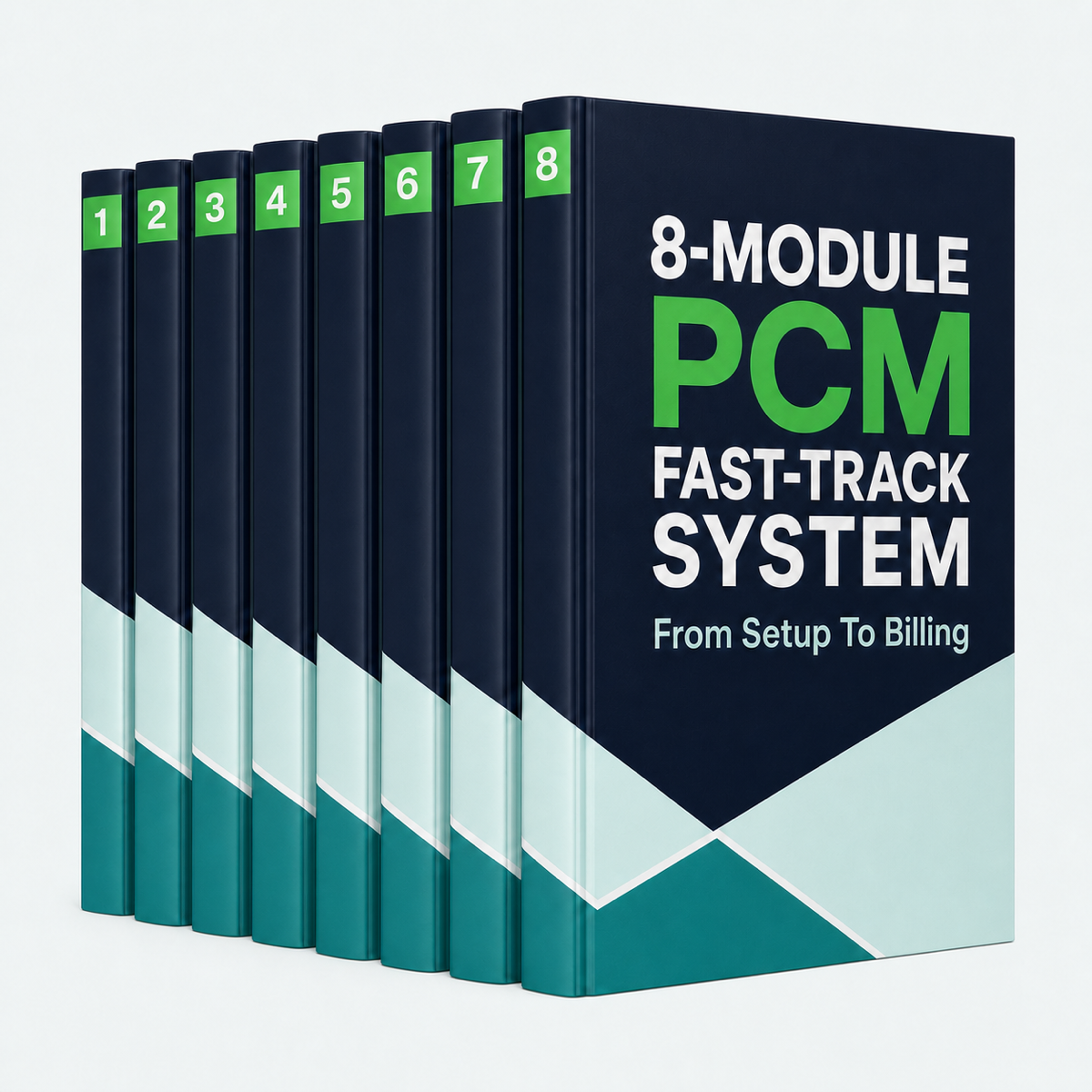
8-Module PCM Fast-Track System
Included

8-Module PCM Fast-Track System

Simple, step-by-step guides that show you exactly how to staff the workflow, enroll patients, and bill Medicare. No guessing. No confusing rules. Just clear steps your team can follow today.

Instant digital access
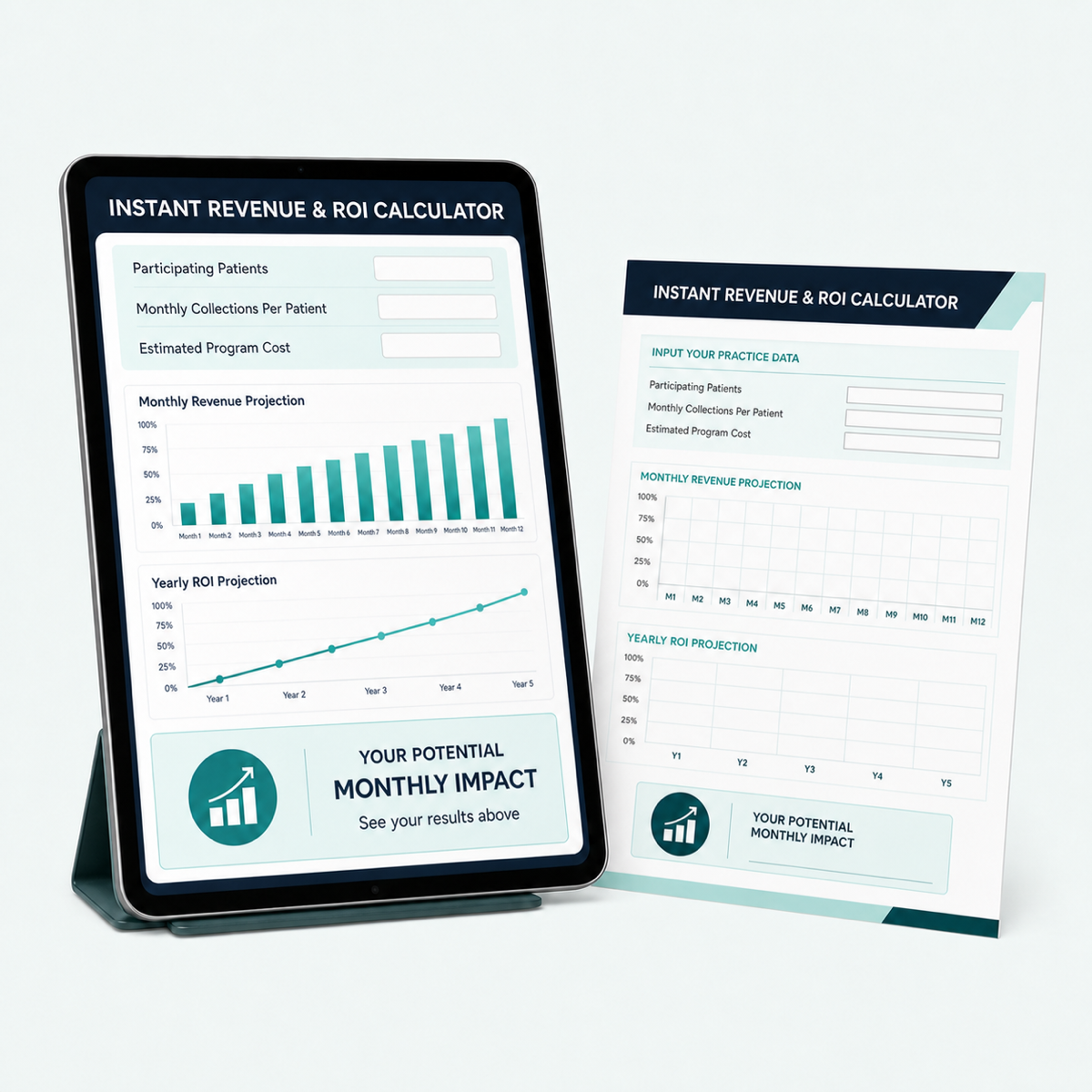
Instant Revenue & ROI Calculator
Included

Instant Revenue & ROI Calculator

Type in your patient numbers to instantly see your projected monthly payouts and yearly cash flow.

Interactive planning tool
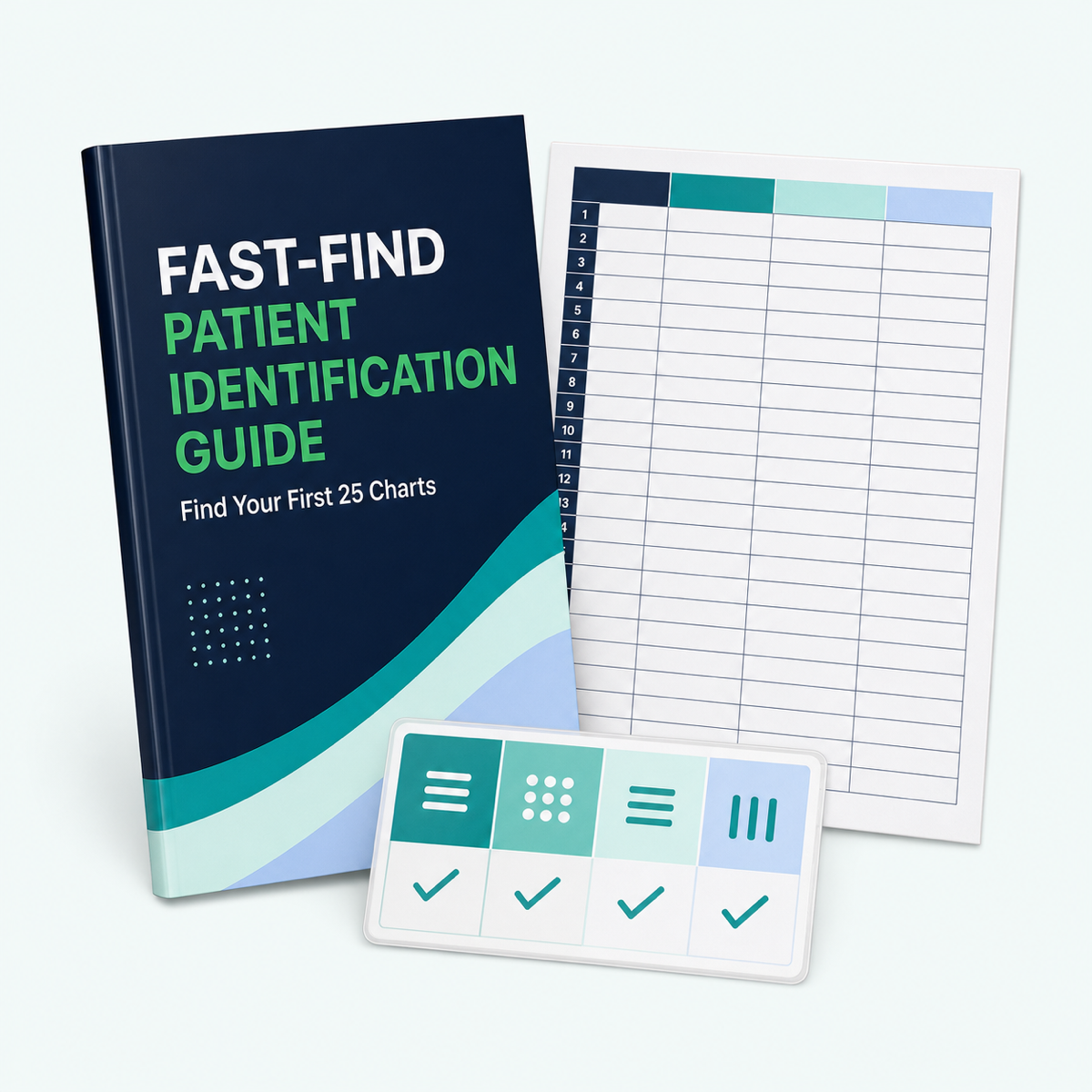
Fast-Find Patient Identification Guide
Included

Fast-Find Patient Identification Guide

Shows your staff how to pull 25 qualifying patient charts from your EHR in under 15 minutes instead of turning the search into an all-day project.

Guide + worksheet
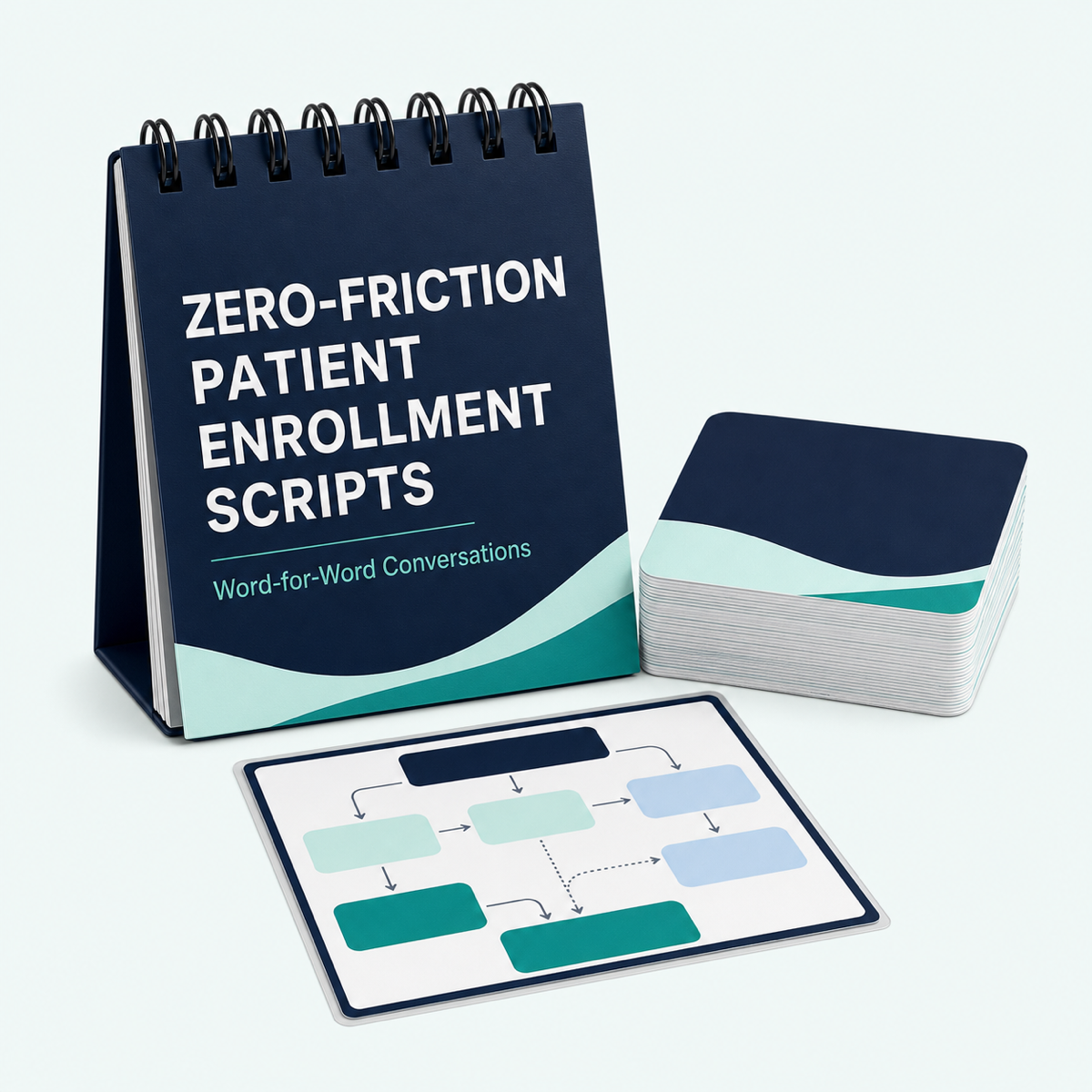
Patient Enrollment Scripts
Included

Patient Enrollment Scripts

Word-for-word phrases that take the awkwardness out of phone calls and help your team obtain verbal consent from hesitant seniors, busy family members, and long-time patients.

Word-for-word scripts
Done-For-You Patient Marketing Suite
Included

Done-For-You Patient Marketing Suite

Ready-to-use Canva designs for exam-room posters, lobby brochures, and portal messages that educate patients and encourage them to ask about enrollment.

Print + digital formats
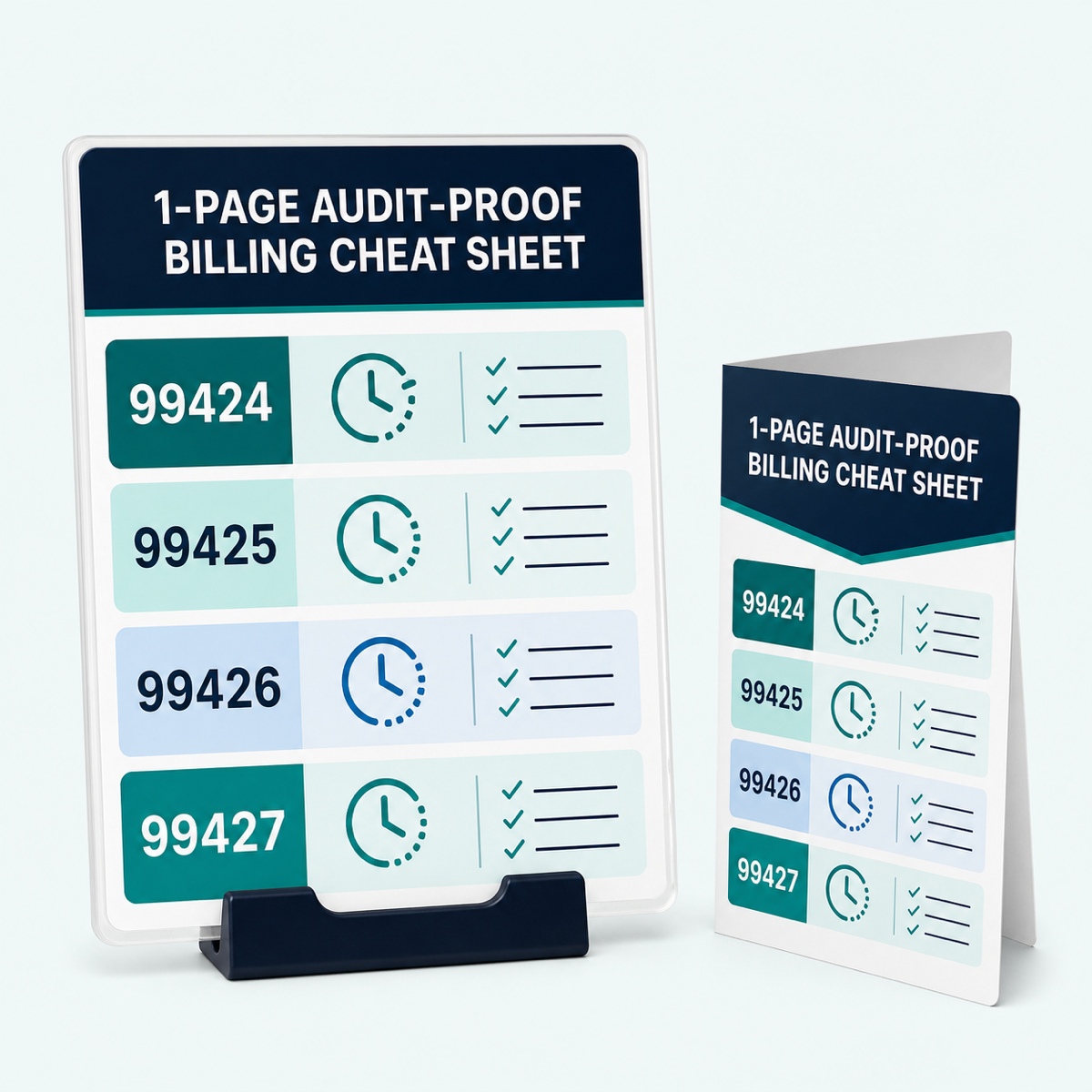
1-Page Audit-Proof Billing Cheat Sheet
Included

1-Page Audit-Proof Billing Cheat Sheet

Lays out PCM CPT codes 99424–99427, time limits, and documentation checkpoints so your billers can submit clean claims on the first try.

Desk reference
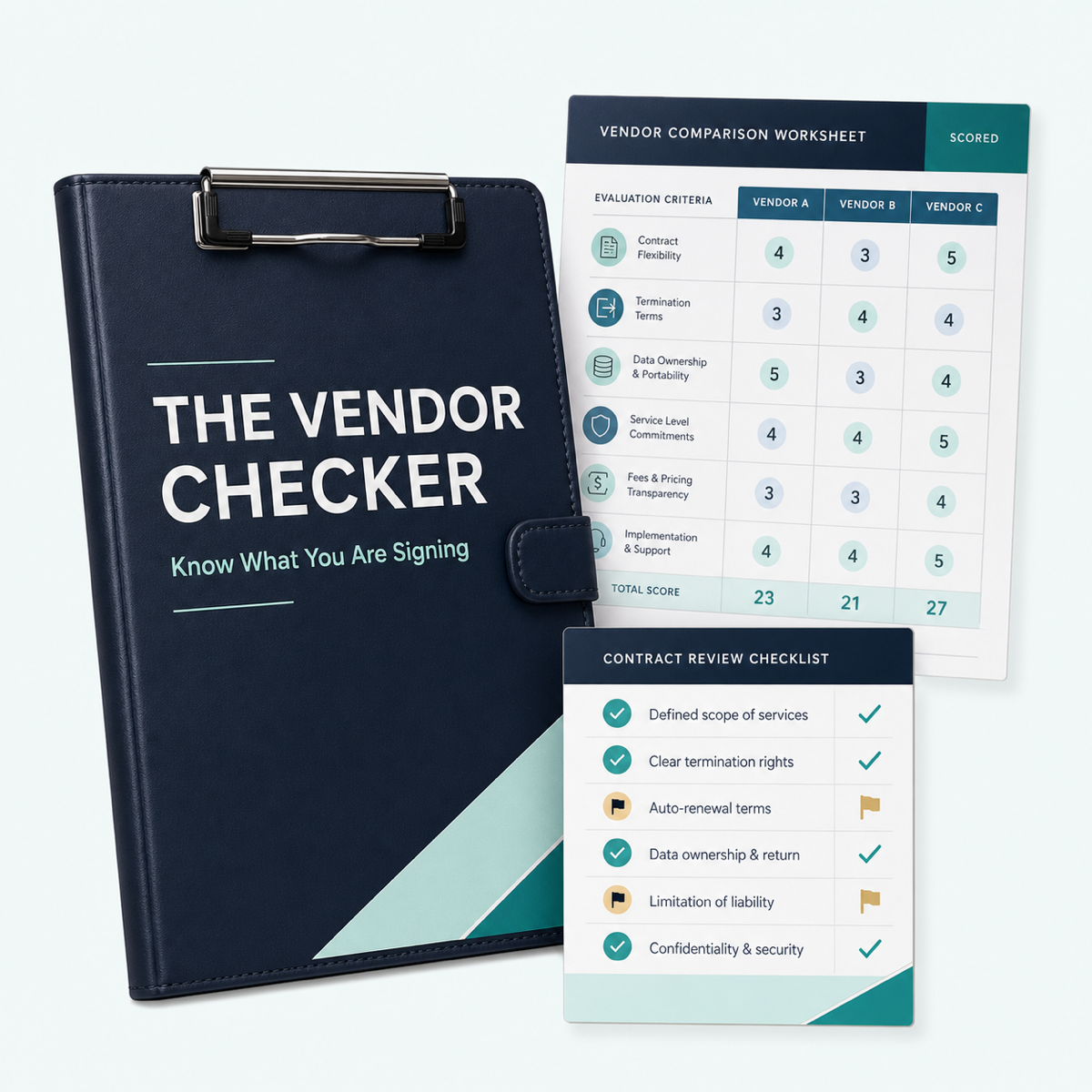
The Vendor Checker
Included

The Vendor Checker

Helps you spot hidden third-party fees and compare the contract terms, data ownership, support, and revenue your practice keeps.

Evaluation worksheet
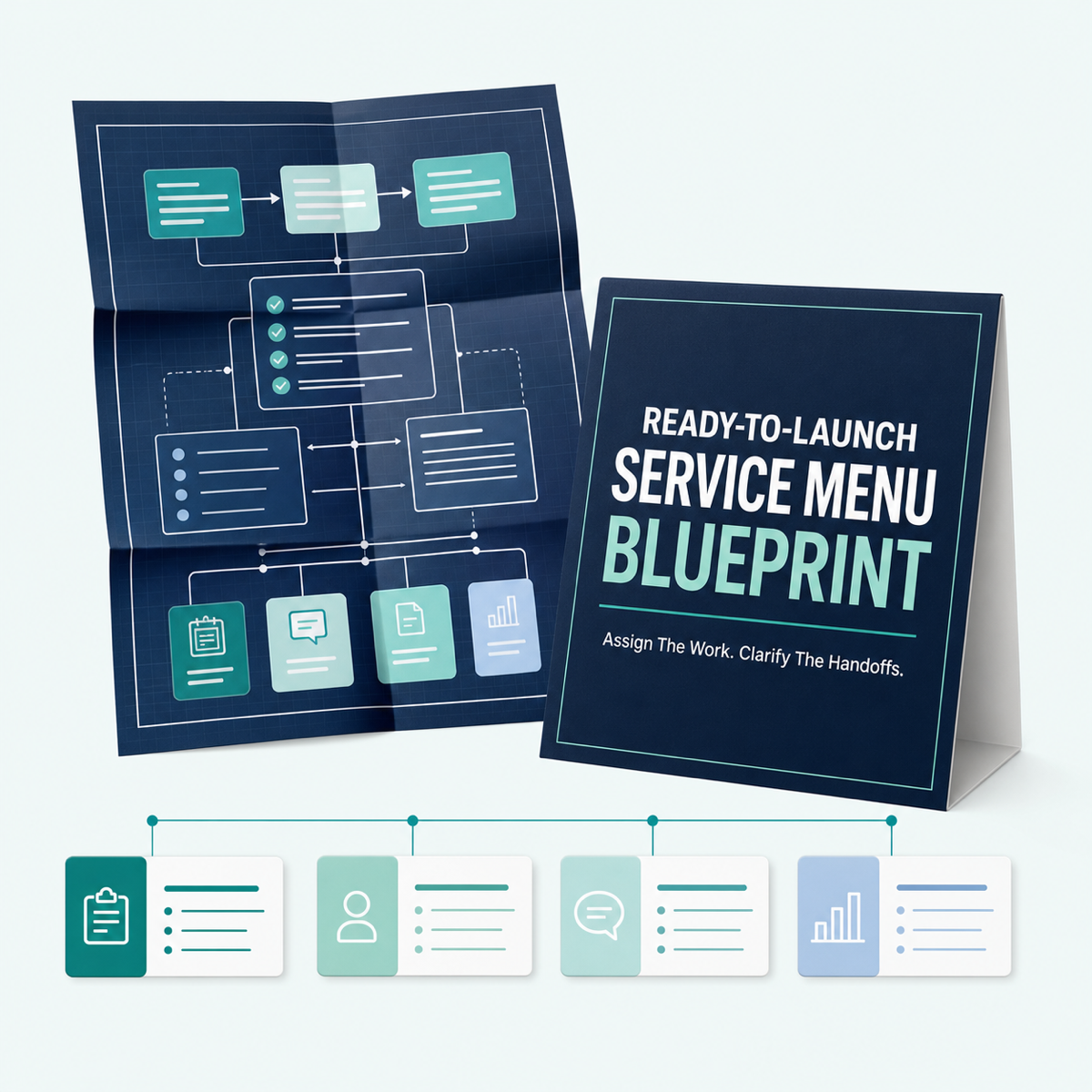
Ready-to-Launch Service Menu Blueprint
Included

Ready-to-Launch Service Menu Blueprint

Sets up your daily care workflow and assigns team roles in minutes, so nurses, doctors, and billers know exactly what happens next.

Workflow blueprint
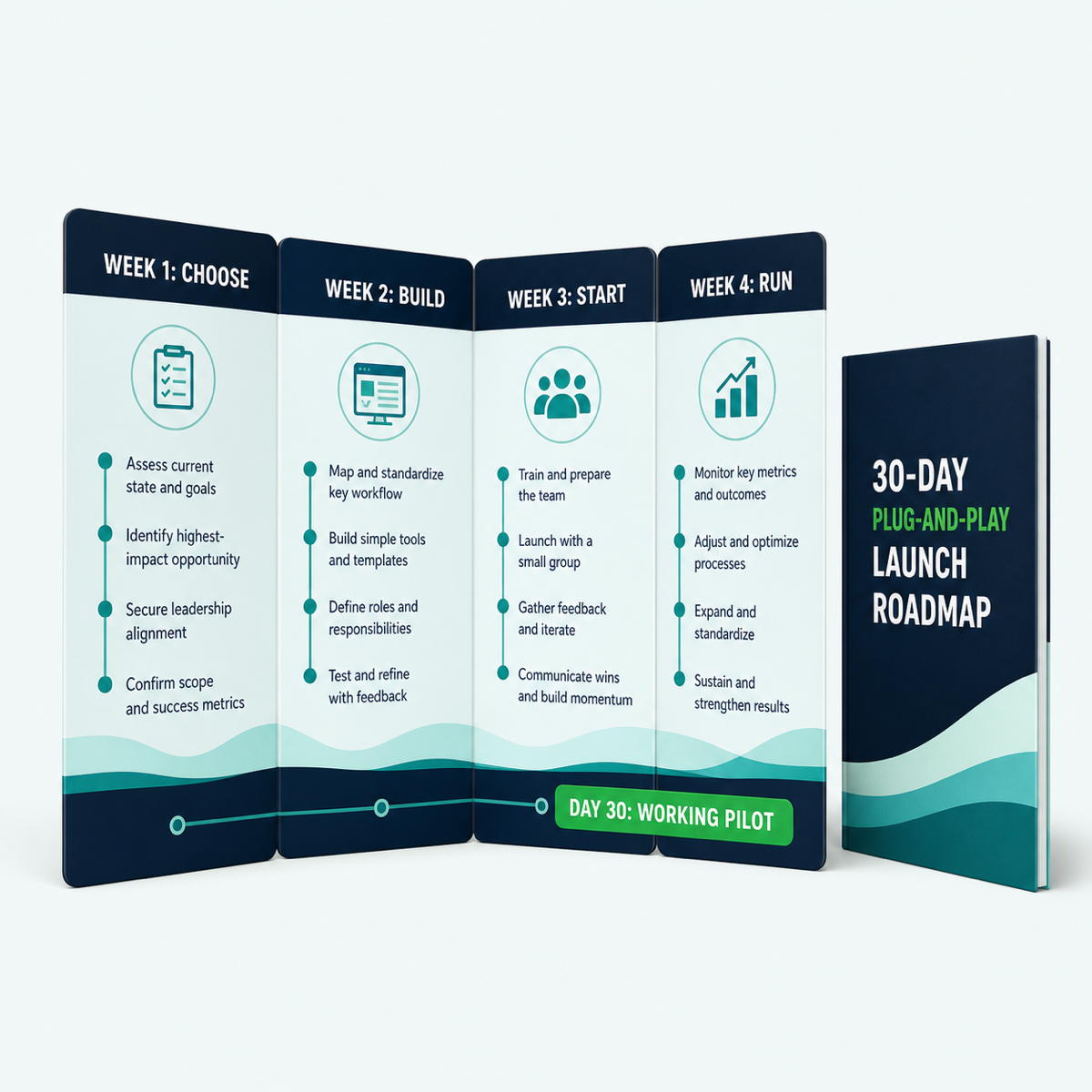
30-Day Plug-and-Play Launch Roadmap
Included

30-Day Plug-and-Play Launch Roadmap

A four-phase visual roadmap that guides your practice from the first chart review to its first billed PCM claim in 30 days.

Four-week roadmap
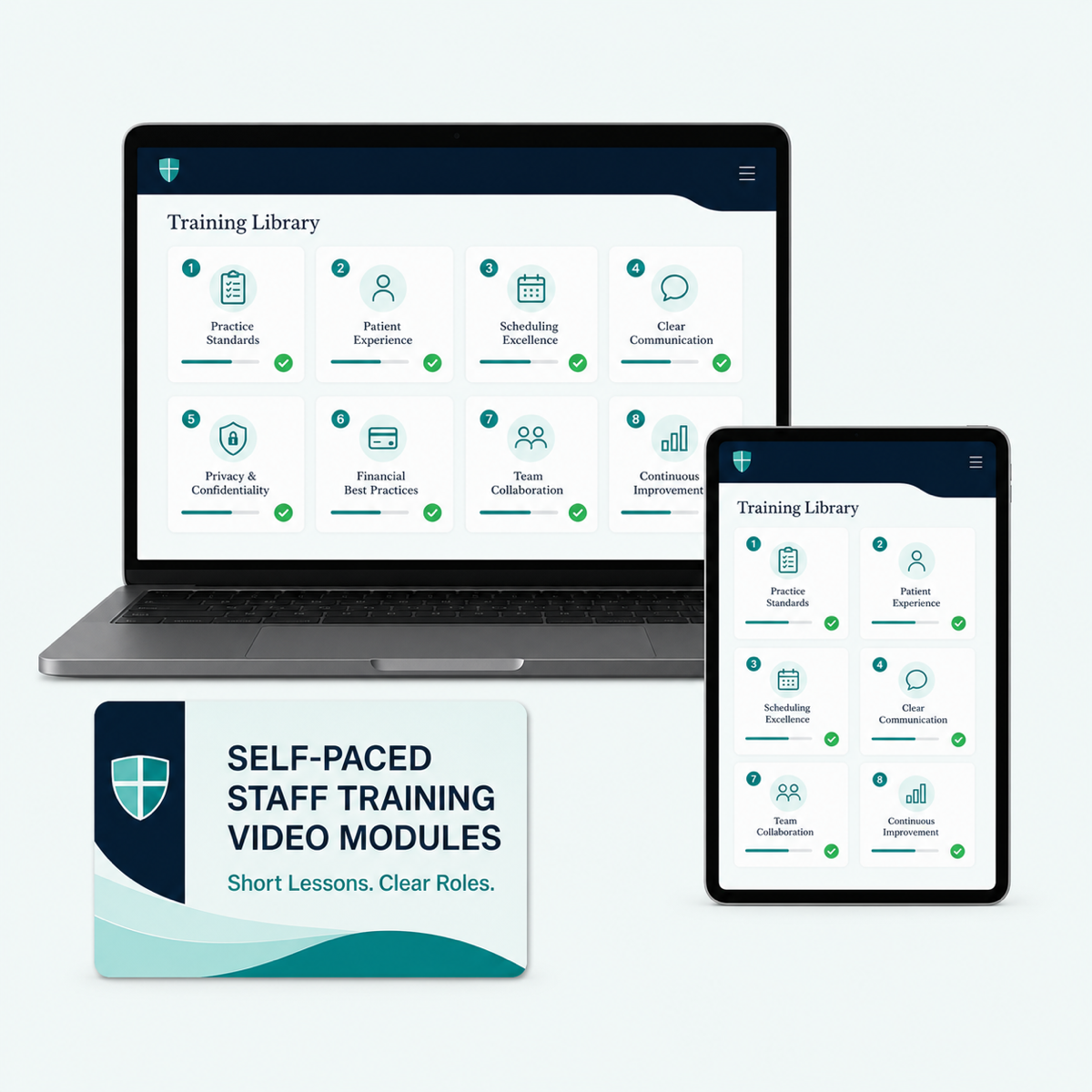
Self-Paced Staff Training
Included

Self-Paced Staff Training

Short, bite-sized videos train doctors, nurses, and billers on demand, without another long staff meeting.

On-demand video library
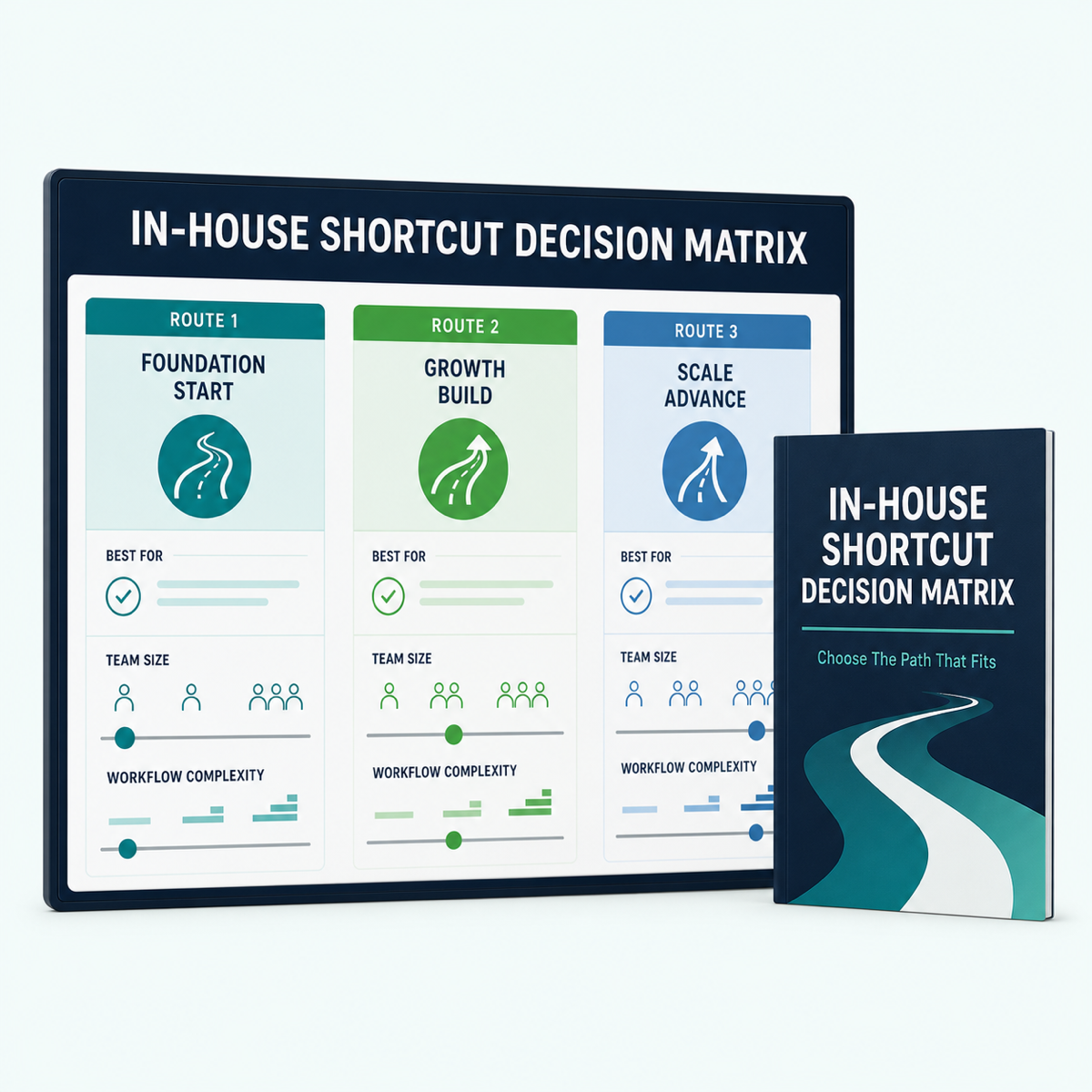
In-House Shortcut Decision Matrix
Included

In-House Shortcut Decision Matrix

Helps practice leaders pick the easiest implementation path for the current team size, avoid burnout, and launch with less stress.

Decision tool
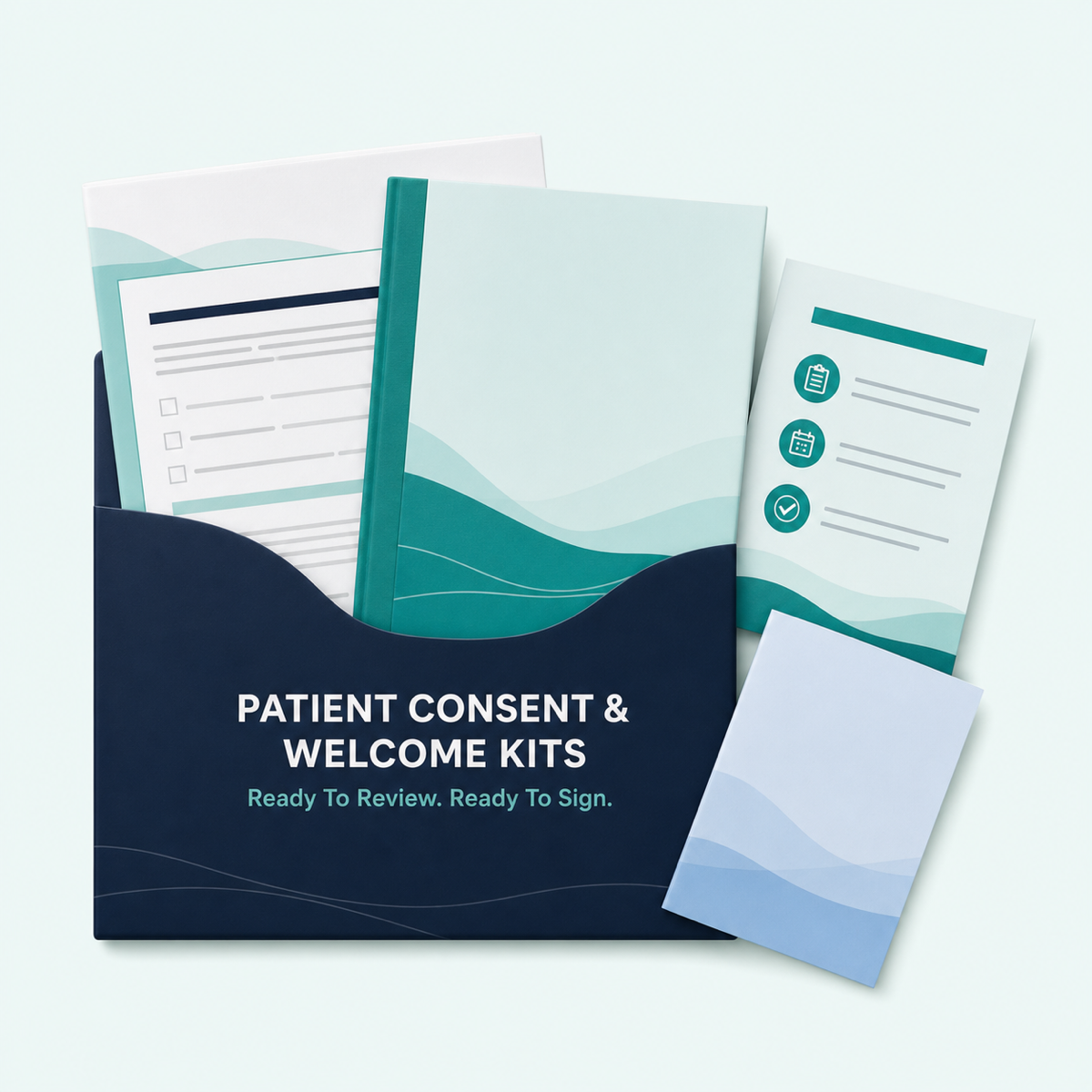
Patient Consent & Welcome Kits
Included

Patient Consent & Welcome Kits

Ready-to-sign, plain-English agreements patients can understand. They build trust and give your practice a consistent consent record.

Ready-to-customize kit

THREE IMPLEMENTATION BONUSES

Three Free Bonuses Help You Launch Faster

Start with the right 25 patients, keep every team member on the same page, and build the entire pilot with tools you already own.

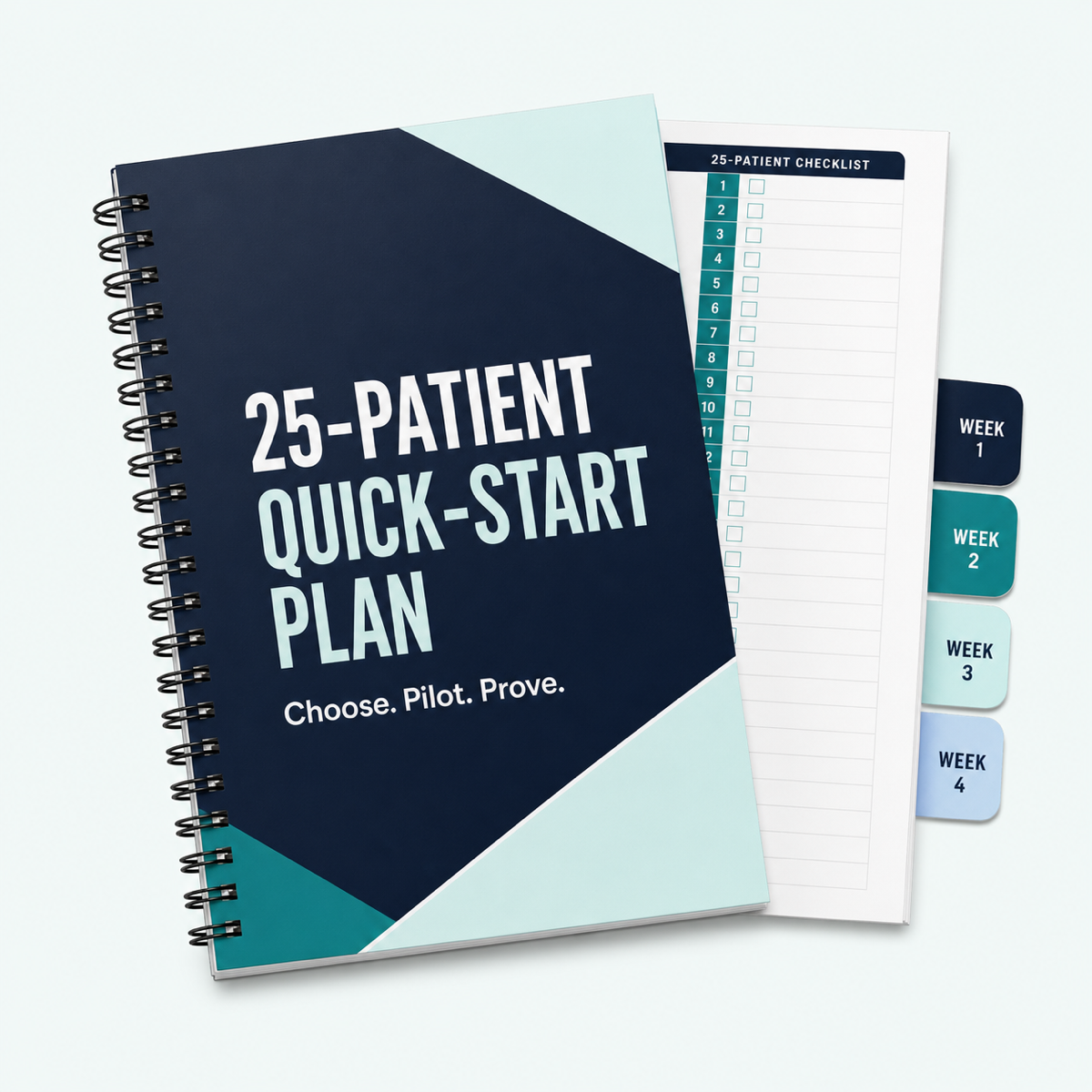
25-Patient Quick-Start Plan
Free Bonus #1

25-Patient Quick-Start Plan

Stop guessing which charts to open first. This guide shows your team how to pull the 25 highest-opportunity patients already in your EHR. Enroll patients faster, bill claims sooner, and repeat the process to scale.

Included free today
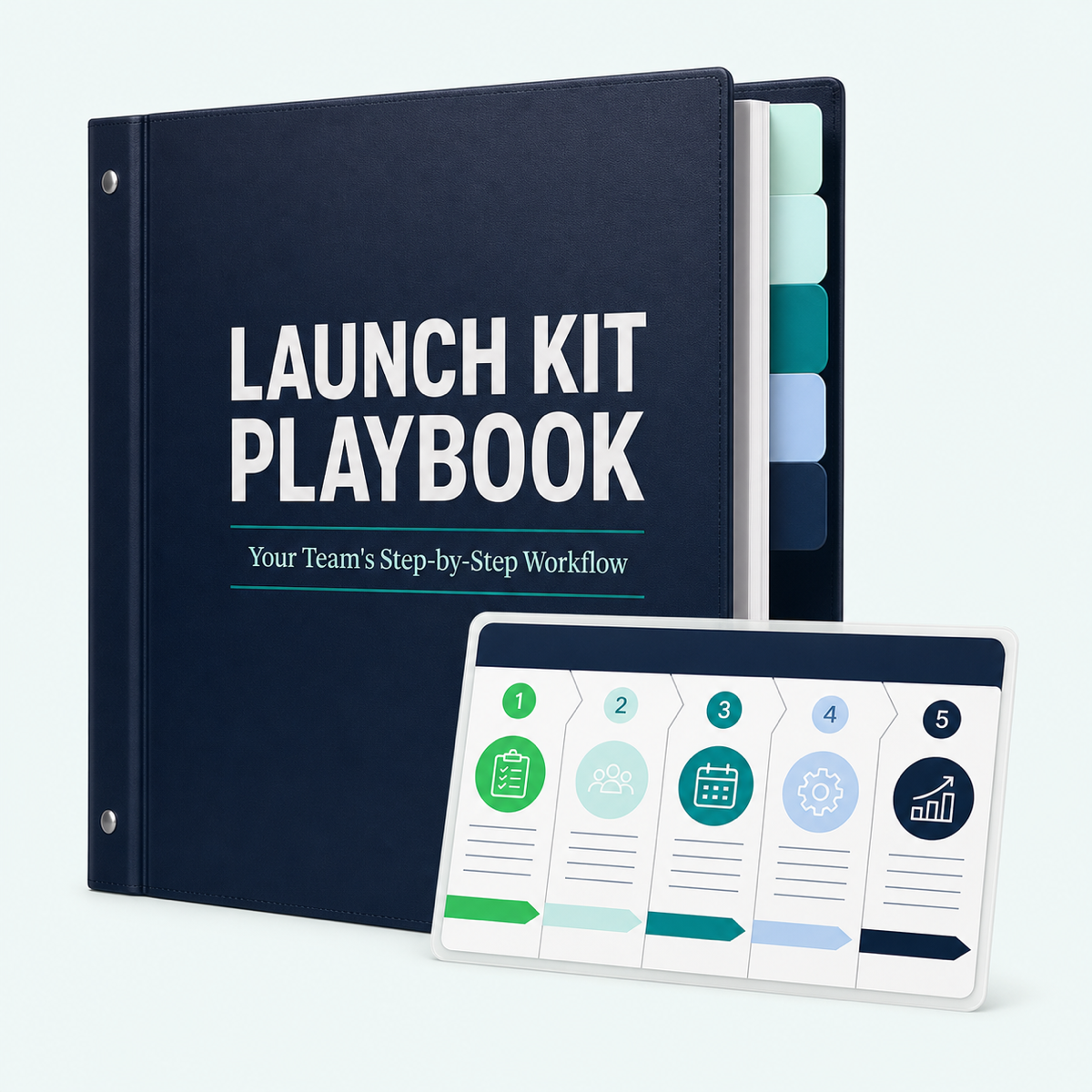
Launch Kit Playbook
Free Bonus #2

Launch Kit Playbook

Print this step-by-step playbook and put the new workflow directly in your team’s hands. Everyone knows their job, handoffs run smoothly, and billable care doesn't get lost.

Included free today
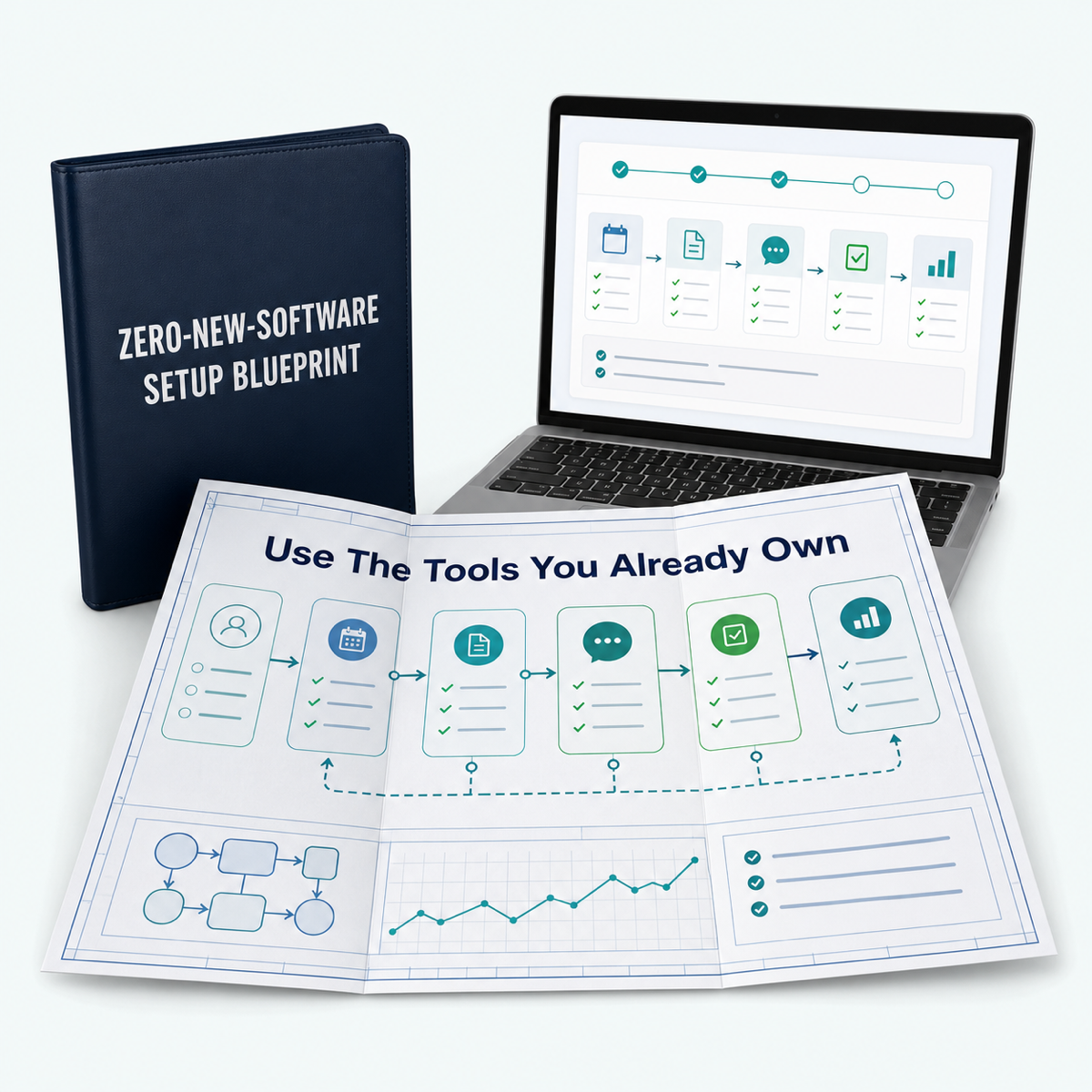
Zero-New-Software Setup Blueprint
Free Bonus #3

Zero-New-Software Setup Blueprint

Launch with the tools you already own. Avoid expensive software fees, long IT setups, and pushy sales reps while you log time, track care, and bill inside your current EHR.

Included free today

MAKE THE DECISION SAFE

The Between-Visit Work Is Already Happening

Protected By A 90-Day Money-Back Guarantee

Get the PCM Launch Kit today. Follow the 30-day schedule. Launch your 25-patient pilot.

If your practice can't bill its first PCM claim within 90 days, send me an email. I'll refund your $67 immediately with no questions asked.

Next month, patients will still call with questions. Results will need review. Care plans will change. Pharmacies and other clinicians will need answers.

Your team will do the work because the patients need it.

You can keep absorbing that work as scattered overhead...

...or install a process that helps your team identify qualifying patients, document care consistently, capture time, and prepare clean monthly claims.

The work is already there. The missing piece is the system.

YOUR QUESTIONS, ANSWERED

Frequently Asked Questions

Everything you need to know before you start your 25-patient pilot.

Does every chronic-care patient qualify for PCM?

No. PCM is specifically for patients with one qualifying high-risk chronic condition. The Launch Kit shows your team how to easily identify qualifying EHR charts.

Do we need to hire new staff or buy new software?

No. You can launch your initial pilot using your current clinical staff and existing EHR system.

What if we already bill RPM or CCM?

If you already bill RPM, the Care-Layer can support a separate PCM workflow and help your team keep the work and time distinct when both services are appropriate.

If you already bill CCM, the Launch Kit helps you identify which patients fit the PCM pathway instead. We don't present PCM and CCM as a default same-practitioner, same-patient, same-month stack.

Compatibility always depends on current payer rules, medical necessity, the practitioner, the condition being managed, distinct work, time, and documentation.

How quickly can our practice get started?

The Launch Kit uses a clear 30-day schedule:

Week 1: Review candidate charts
Week 2: Set up chart templates
Week 3: Enroll 25 pilot patients
Week 4: Document billable time

What happens after I click order?

You get instant digital access to the complete PCM Launch Kit, including the 30-Day Plug-and-Play Launch Roadmap, Done-For-You Patient Marketing Suite, Instant Revenue & ROI Calculator, templates, training, and bonuses shown on this page.

Step 1 of 2

Where should we send access?

Please use the email tied to your practice, not a personal inbox.

By continuing, you agree to receive the access and implementation emails connected to this order. You can unsubscribe from marketing messages at any time.